

October 1, 2026
- Gate Repair
- Automatic Gates
- Troubleshooting
When an operator will not run and its display is dark, the first four causes in LiftMaster's RSL12UL troubleshooting chart are no power at the control board, an open fuse, low or dead batteries, and a defective board. When the board is lit and the gate still will not move, the next place to look is a safety input that is holding the gate still, then the gate hardware itself. A homeowner can clear debris and release the gate by hand. Everything inside the box belongs to a qualified technician.
Key Takeaways
Check power first
the RSL12UL chart lists power at the board, the fuse, battery charge and the board itself, in that order
A safety input can stop a healthy operator
on the RSW12UL, codes 61 to 66 mean an eye or edge input has been held for more than 3 minutes
Gate hardware causes obstruction faults
tight or broken hinges, debris on a track, a broken wheel or a gate hitting the curb all read as an obstruction to the operator
Never jumper a sensor
UL 325 Sections 32.1.8, 32.1.10, 32.1.11 and 32.1.12 are written to stop exactly that
Ground the operator
the RSW12UL manual requires a ground rod within 3 feet of the operator, and says poor grounding shortens remote range and raises lightning and surge risk
Start with power
The LiftMaster RSL12UL manual, page 34, lists the causes for an operator that does not run with the diagnostic display off: no power to the control board, an open fuse, low or dead batteries when on battery power only, and a defective control board. The solutions it lists are to check AC and battery power, check the fuses, charge the batteries from AC or solar or replace them, and replace a defective board. Page 33 names the board's indicator lights, including INPUT POWER, BATT CHARGING and BATT LOW.
The FAAC 415 manual has no equivalent chart. Its start-up instruction is to compare the control board's LED condition with the board's table, and it says the user must not attempt repairs and must contact qualified FAAC personnel or a service center.
A safety input is holding the gate
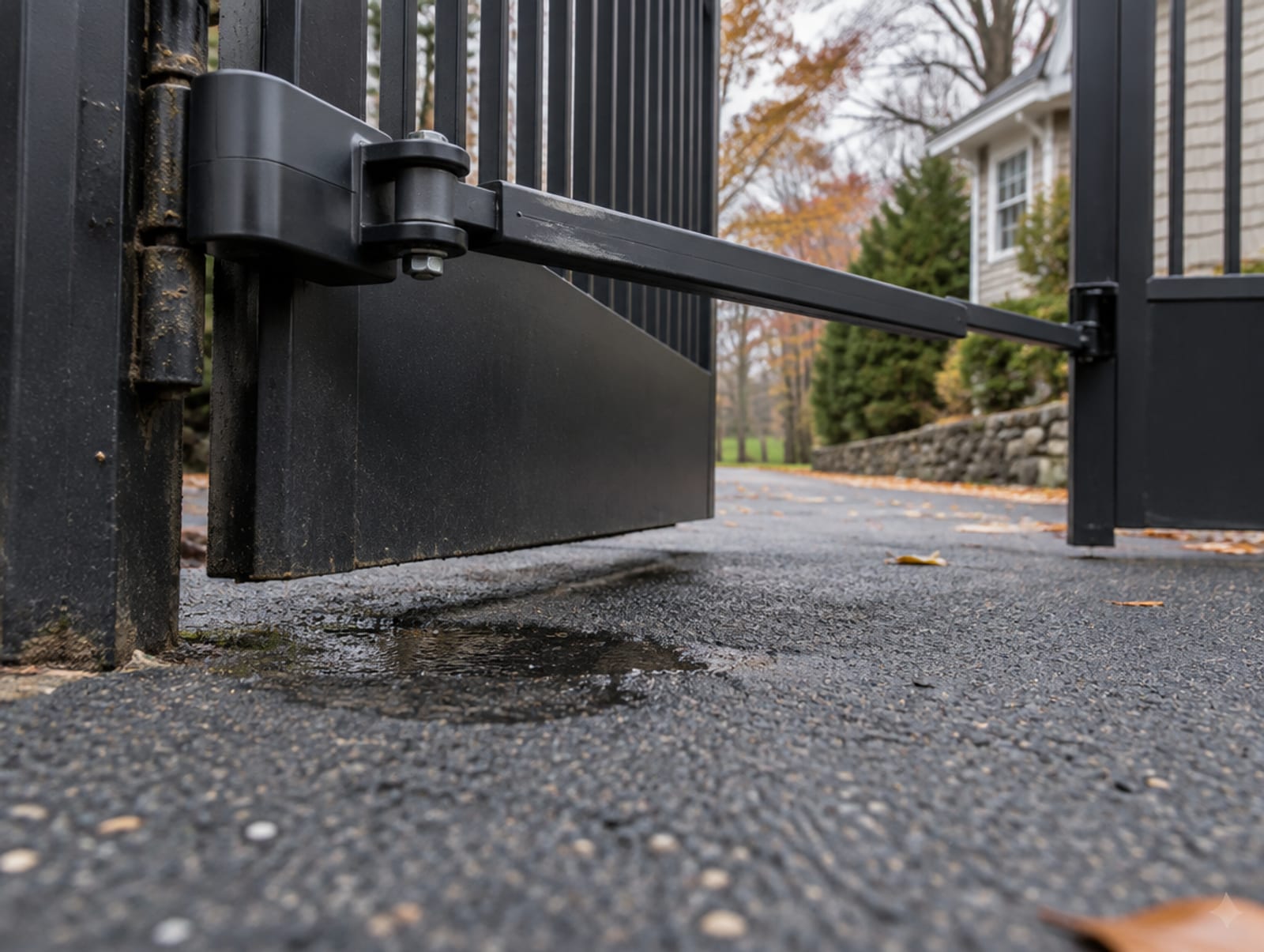
The RSL12UL manual lists an active entrapment-protection device and an active vehicle loop detector as reasons a board can power up while the motor stays still, and tells the technician to check every entrapment input for a sensor stuck on. The RSW12UL swing manual, page 31, says the operator will run only after at least one external safety device is installed in either the open or close direction. Its codes:
- 61 to 66: a CLOSE EYE, CLOSE EDGE or OPEN EYE or EDGE input held more than 3 minutes. Check the wired input for alignment or an obstruction
- 67: a wireless edge triggered for more than 3 minutes. Check the wired input for a wiring problem or an obstruction
- 68: a wireless edge has lost monitoring. Check the wireless-edge inputs
The LiftMaster SL595UL slide manual, page 40, assigns codes 70 to 75 to the same eye and edge triggers, and says if nothing blocked the gate, check alignment, inputs and wiring. A blocked photo eye is described as an active or held input, an obstruction or a loss of monitoring, and a misaligned one as an alignment fault. The manuals do not authorize bypassing the input.
The gate itself can look like an obstruction
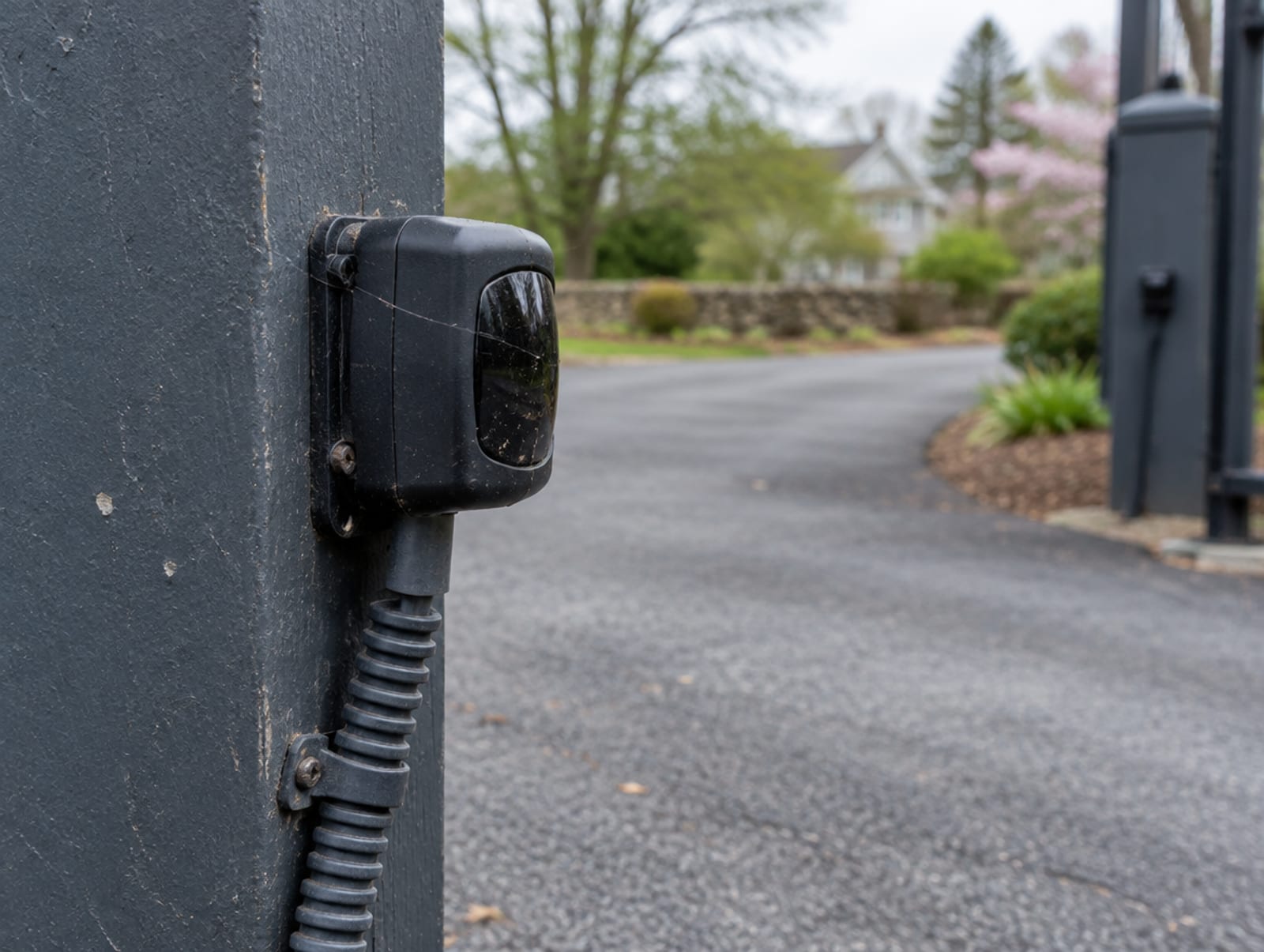
An operator senses resistance, so a stiff or shifted gate triggers the same faults as a real obstacle. The RSW12UL manual, page 25, lists these causes of repeated obstruction detection:
- hinges too tight or broken, so the gate is not moving freely
- the gate hits the driveway or curb and gets stuck or bent
- a foreign object is on the gate frame while it moves
- the operator arm or gate is incorrectly installed
- the gate does not meet specifications
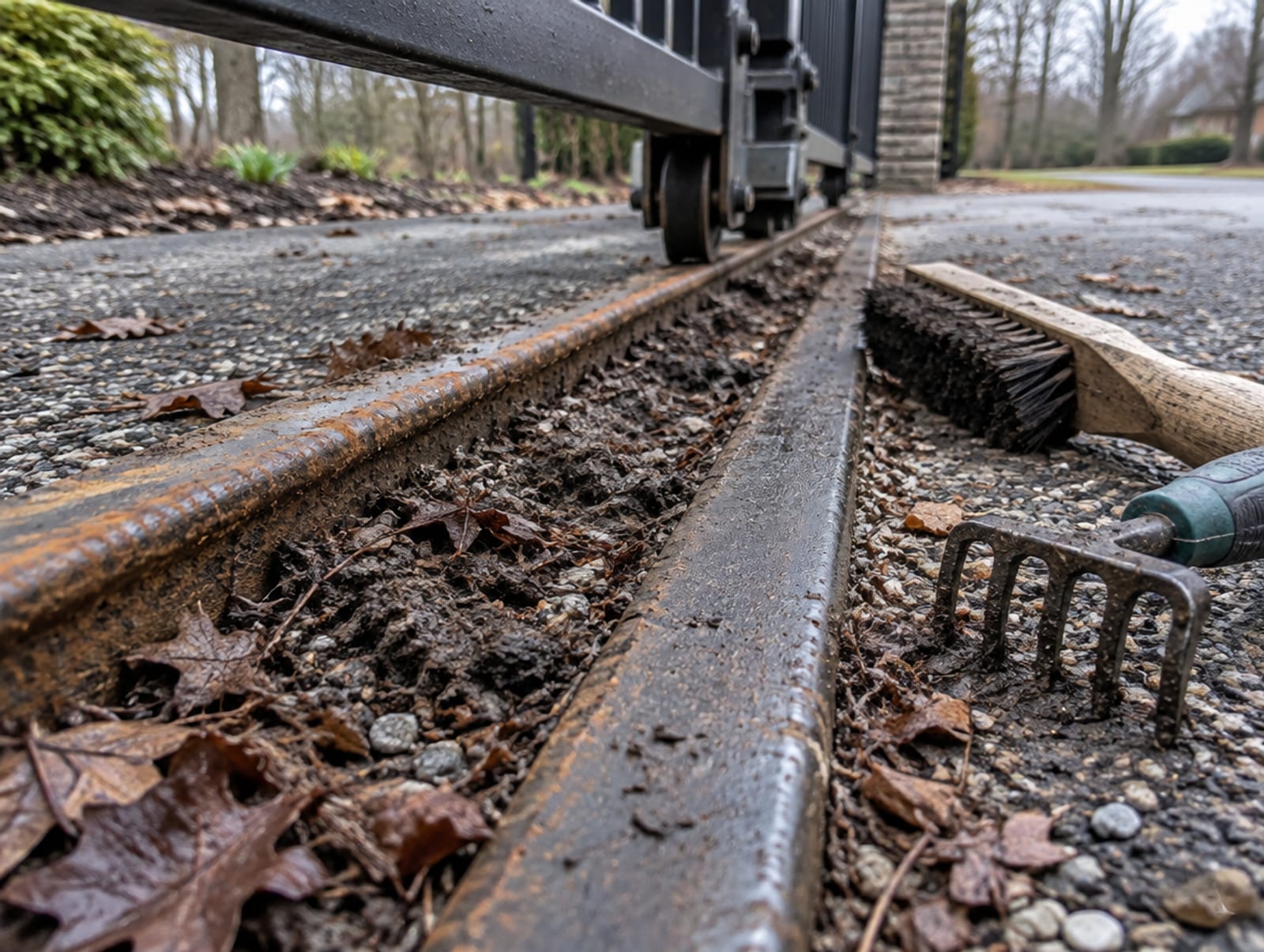
For slide gates, the RSL12UL and SL595UL manuals list mud, rocks or dirt on the track, one or more broken axles or wheels, a wheel off the rail, and the gate hitting a wall or vehicle. The manuals tell the installer to remove the obstruction, press reset, and restore operation only after the cause is corrected.
Published fault codes show how specific the diagnosis gets:
Meaning: Obstacle detection
Published response: Remove the obstacle, check force and sensitivity settings
Tap a row to open it.
What a homeowner may do
The manuals support a short list of checks from outside the box:
- Clear the path: FAAC's 740 and 741 manual says to keep branches and shrubs away from the gate's movement, and the RSL12UL and RSW12UL manuals say to remove obstructions from the track or path, then press reset after an obstruction alarm
- Look at the eyes: you can see whether a photo eye is obviously blocked or out of alignment
- Release the gate by hand: with the manufacturer's procedure and the power controlled
- Use the documented reset: the RSL12UL reset switch, for instance
Wiring, fuse replacement, board work, sensor wiring, force adjustment and repairs need a qualified technician. The SL595UL manual says all electrical connections must be made by a qualified individual and all maintenance by a LiftMaster professional, and the FAAC 415 manual says the user must not attempt any repair.
For the manual release, FAAC's 740 and 741 manual says to switch off the power, insert the supplied key, turn the release clockwise to its stop and move the gate by hand. To restore, turn it anticlockwise, remove the key, move the gate until the release meshes, and switch power back on. It warns not to move the gate by hand unless it has been released. On the RSL12UL, press the reset switch to RESET/DISCONNECT, release the handle on the operator arm to move the gate by hand, and push the handle down to resume. The manuals require the power to be controlled while the gate is released and when it is re-engaged, so do not leave an operator released and let power return.
Why bypassing a sensor is the wrong fix
UL 325 covers residential gate operators, and its Class I is the residential class. Section 32.1.8 requires the operator to monitor every entrapment-protection device at least once in each open and close cycle. Section 32.1.10 says simple field changes, whether wires, terminals, switches, jumpers or supplied components, must not be able to bypass, interfere with or defeat that monitoring. Section 32.1.11 prohibits instructions that tell you to reconfigure monitored outputs so they fall below the minimum, except to restore factory settings, and Section 32.1.12 says an operator must not be supplied with or recommend resistors across monitored terminals. UL says two independent devices must be installed and active for each entrapment zone, and that an operator may not move until they are.
The Consumer Product Safety Commission ties entrapment protection to ANSI/UL 325 and reports deaths and injuries from automatic-gate entrapment. The fix for a stuck sensor is to correct the sensor or call qualified service.
Water, lightning and surge
FAAC says its underground operators are at least IP67 and can withstand temporary submersion up to one meter, but they must not stay submerged. It says runoff, silt, blocked drainage and a waterlogged box can lead to damage and system failures, and that the lid is not sealed, so water that enters from above has to be able to leave.
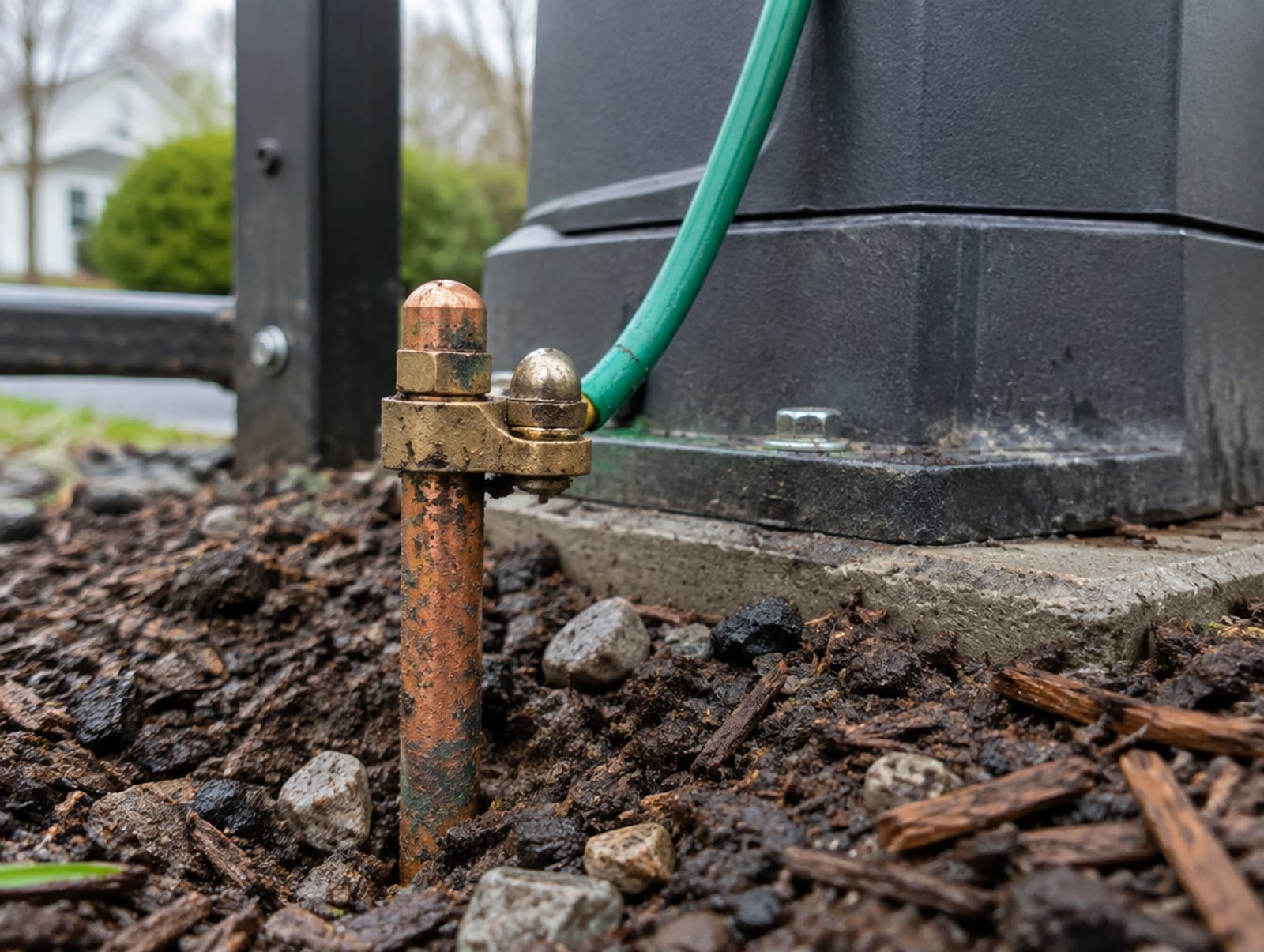
For surges, the RSW12UL manual, page 15, requires an earth ground rod within 3 feet of the operator and says a poorly grounded operator has reduced remote range and is more susceptible to lightning and surge damage. FAAC's FSW900 manual says to ground the operator properly, use a grounding rod if necessary, and fit a surge suppressor for added protection. If you suspect water or a power event, have a gate technician inspect the enclosure, seals, conduit entries, drainage, corrosion, grounding and surge damage.
Check yourself
1. On the RSW12UL, what do codes 61 to 66 mean?
2. How close to the operator does the RSW12UL manual require the earth ground rod?
3. Which UL 325 section requires the operator to monitor every entrapment-protection device once in each open and close cycle?
4. What does FAAC's 740 and 741 manual say to do before releasing the gate to move it by hand?
Frequently Asked Questions
Q: My gate opens but will not close. What is wrong? A: A close-direction photo eye or edge input is the first place to look. On the RSW12UL, codes 61 to 66 mean one of those inputs has been held more than 3 minutes, and the manual says to check the wired input for alignment or an obstruction.
Q: Can I open the gate by hand? A: Yes, with the manufacturer's release procedure and the power controlled. FAAC's 740 and 741 manual says to switch off power first and not to move the gate by hand until it has been released.
Q: Why does the gate reverse by itself? A: Force-reversal and obstruction faults come from resistance, so check for an object, then for hinges, a track, wheels or a gate that is catching the ground. The SL595UL's code 91 says to check for an obstruction and that the assembly is engaged and free to move.
Q: Can I unplug or jumper the photo eye until the technician comes? A: No. UL 325 is written to prevent that, and the safe step is to release the gate by hand and call for service.
A stopped gate points to one of a few things: no power, a held safety input, a gate that has shifted, or water. Check what the manual lets you check, release the gate by hand if you need to get through, and hand the rest to someone qualified.
At Portillo Fences and Gates, we handle gate repair for operators, control boards, safety sensors and wiring, and we install automatic gates with access control across Putnam, Westchester, Dutchess, Orange, Ulster and Rockland Counties. We test the entrapment devices before we leave. Contact us to book a visit, or call (845) 282-3336.