

October 9, 2026
- LiftMaster
- gate operators
- gate repair
- automatic gates
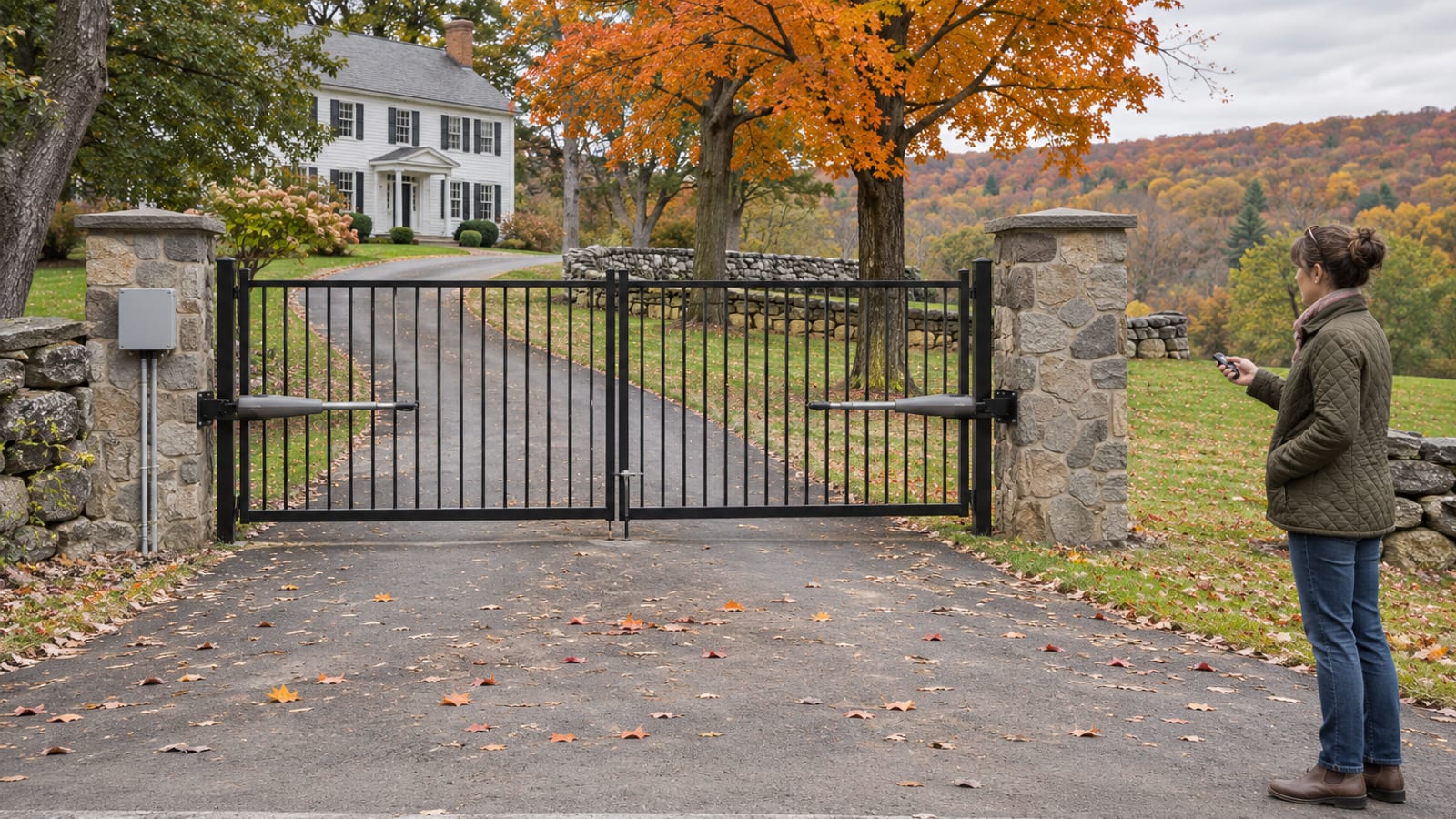
LiftMaster sells swing operators rated from about 550 pounds to 1,600 pounds and slide operators rated from 800 pounds to 2,000 pounds. The right one depends on how heavy your gate is, how long it is, and how many times a day it opens.
Most homeowner questions about these openers come down to three things: sizing, programming and power. A remote that stopped working, a gate that reverses, or a battery that will not hold a charge usually has a short list of causes, and several of them you can check yourself in a few minutes.
The rest of this page covers the models, the programming steps from LiftMaster's own manuals, how battery backup and solar work, and the point where a fault becomes a job for a technician. One rule runs through all of it: a photo eye or safety edge is never bypassed.
Key Takeaways
Match the model
Gate weight, gate length and daily cycles decide which operator fits, and a model's maximum is not a substitute for a sizing check on your actual gate.
Programming is quick
Most remotes and keypads on LiftMaster residential gate operators program through the LEARN button in under a minute.
Erasing is all or nothing
Holding the LEARN button for about six seconds erases every remote and keypad, so each wanted one has to be programmed again.
Batteries age
LiftMaster says to replace gate operator batteries about every three years, and sooner where winters are hard on them.
Check the path first
A gate that reverses or will not close often has snow, debris, a binding hinge or a dirty photo eye in the way.
Never bypass safety devices
Jumpering a photo eye or edge removes the protection UL 325 requires, so the fix is cleaning, alignment or service.
Which LiftMaster Operator Fits Your Gate
The residential swing models start with the LA400UL, which LiftMaster rates for 850 pounds at 10 feet, 750 pounds at 12 feet, 650 pounds at 14 feet and 550 pounds at 16 feet, at 100 cycles a day. The RSW12UL handles up to 1,000 pounds, with limits that step down as the leaf gets longer. Slide gates use the RSL12UL for gates up to 800 pounds and 25 feet. The heavier commercial models sit above those.
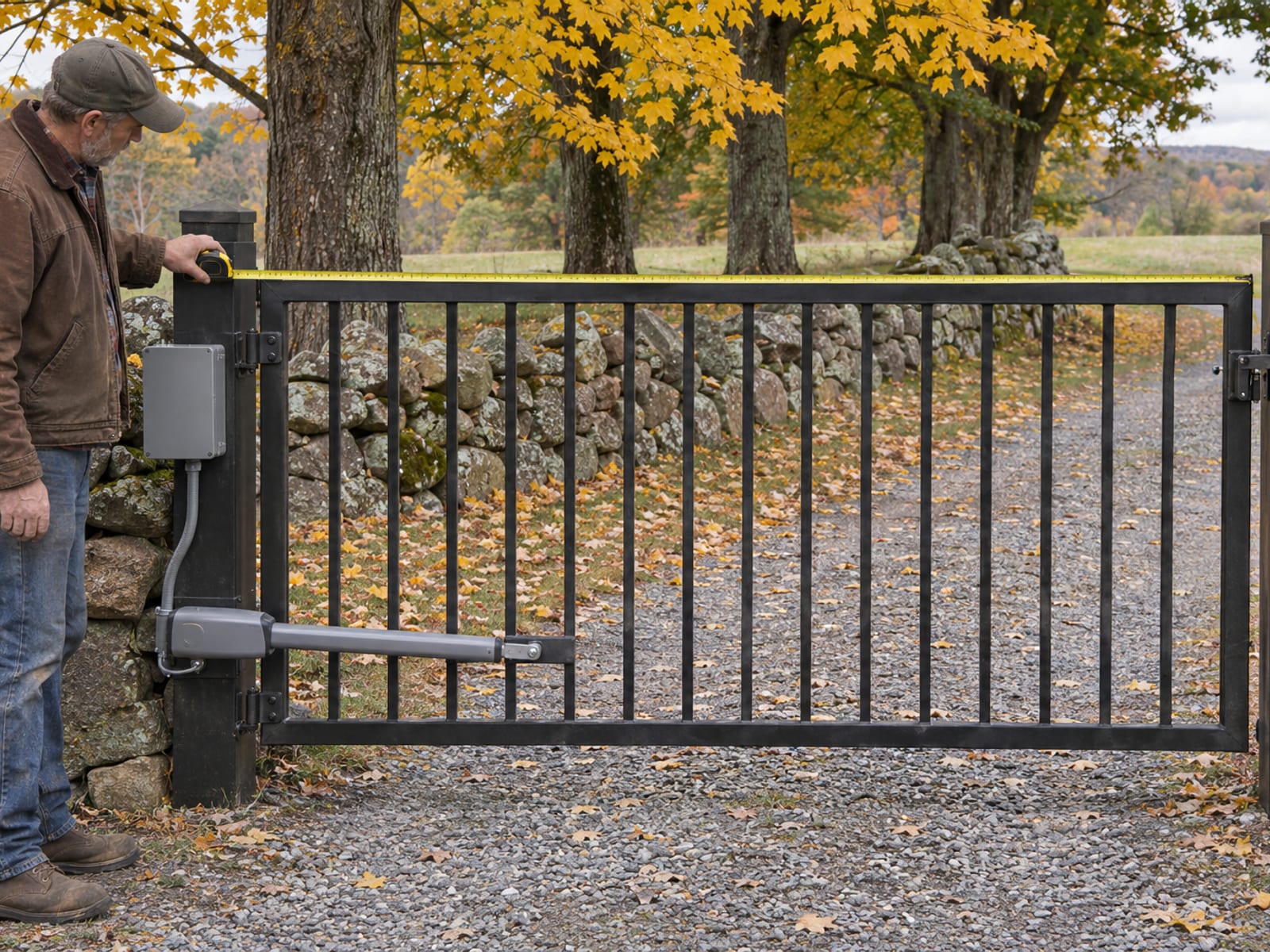
LiftMaster gate operator capacities (LiftMaster product guides and installation manuals)
Gate type: ---
Published capacity: ---
Duty rating: ---
Tap a row to open it.
The LA412UL is LiftMaster's 12V solar residential swing operator, and the LA500UL is its larger swing model. For both, have the installer size the operator from your gate's weight, length, construction and hinge condition, because the product pages do not give the full weight, length and cycle table the way the others do. The same goes for any model: LiftMaster's residential gate operator buyer's guide gives the ranges, and wind exposure, a sagging leaf or a rough track decide whether you can use the top of them.
Chamberlain is not a different company. The Chamberlain Group owns LiftMaster, Chamberlain and myQ as separate product brands, so a Chamberlain garage-door opener and a LiftMaster gate operator can share the myQ app. That depends on the operator model, and some older gate operators need an Internet Gateway such as the 828LM before they connect. If you are still deciding between a leaf that swings and one that slides, swing or slide for a driveway gate covers the site conditions, and the arm operators and slide operators pages describe the two styles.
Programming Remotes, Keypads and myQ
The RSW12UL and RSL12UL installation manuals use the same Security+ 2.0 sequence. Press and release the operator's LEARN button, and it beeps while the green transmitter LED lights. Choose the function if the manual asks for one: OPEN only, a single button that opens, closes and stops, or separate OPEN, CLOSE and STOP buttons. Press the button you want on the remote. A beep and the LED going out confirm it, and the operator leaves learn mode on its own after about 30 seconds.
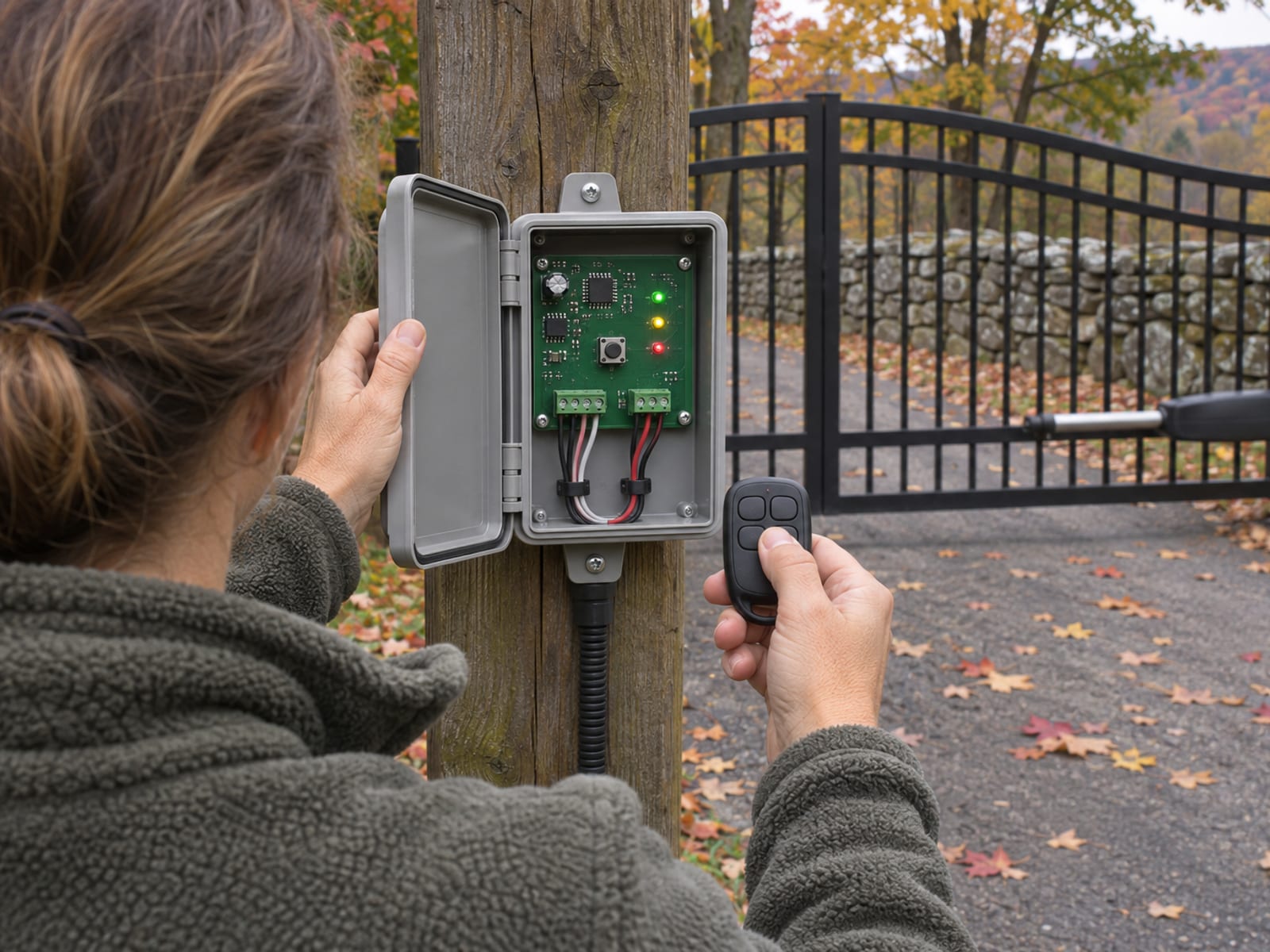
A KPW250 wireless keypad starts the same way, with a press of the LEARN button, and then you enter the keypad's own programming sequence and PIN from its instructions. According to the RSW12UL installation manual, the operator stores up to 50 Security+ 2.0 remotes or KPW250 keypads, plus two keyless entries. A third keyless entry replaces the first. For keypad choices and how they compare with intercoms, see gate keypads, intercoms and phone entry.
For myQ on a compatible older operator, the LiftMaster 828LM Internet Gateway connects the operator to your account and app. The manuals cover this under "LiftMaster Internet Gateway" on page 24. Confirm your exact operator model and the connectivity accessory it needs before you plan around app control. LiftMaster's myQ page lists what is supported, and our smart entry page covers phone control in general.
A lost remote is the one case where you erase everything. Press and hold the LEARN button until the learn LED goes out, about six seconds. The manuals call this "Erase All Codes," also on page 24. It clears every remote and keypad, so reprogram each one you still use. Do not erase the operator's entrapment-device memory, and do not bypass any safety input, as a shortcut for a lost remote.
Battery Backup and Solar Options
LiftMaster documents battery backup on its DC operators, and the number of cycles depends heavily on battery size. An RSW12UL on one 7 Ah battery is listed at 114 cycles, while the same operator on one 33 Ah battery is listed at 710. The LA400UL on two 33 Ah batteries is listed at 3,622 cycles.
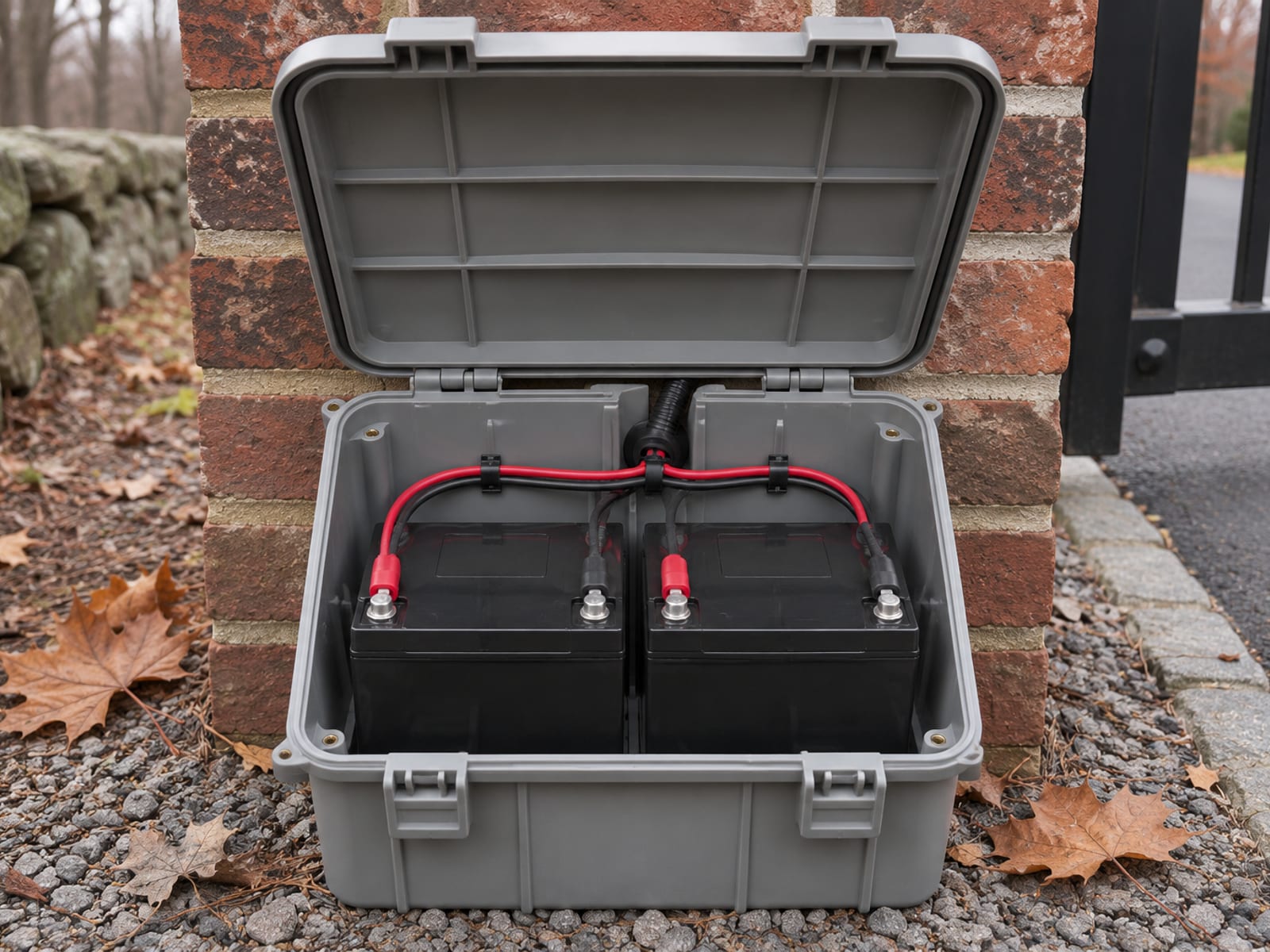
LiftMaster published battery backup cycles (standalone systems)
Battery configuration: ---
Published backup cycles: ---
Tap a row to open it.
These figures come from standalone systems and leave out some accessory loads. Gate size, temperature, battery condition and the number of cycles all move the real result, so treat them as a ceiling for an outage and not a promise. A keypad, a gateway and a pair of photo eyes all draw from the same supply.
LiftMaster lists the LA400UL, LA412UL, LA500UL, RSL12UL, RSW12UL, CSL24UL and CSW24UL among its solar-ready operators. The RSW12UL and RSL12UL manuals set a maximum 12V solar input of 30 watts. Solar suits a gate with no power run to it, but it is sized to the cycles you actually use.
LiftMaster says batteries lose strength with temperature and use, perform poorly in extreme cold, and should generally be replaced every three years. The RSW12UL manual names part 29-NP712 as its standard replacement. Three beeps when you send a command points to a low battery. In the Hudson Valley, a gate that was fine in October can struggle in January, and automatic gate problems in winter goes through what cold does to the whole system.
Fault Codes You Can Check and Ones You Cannot
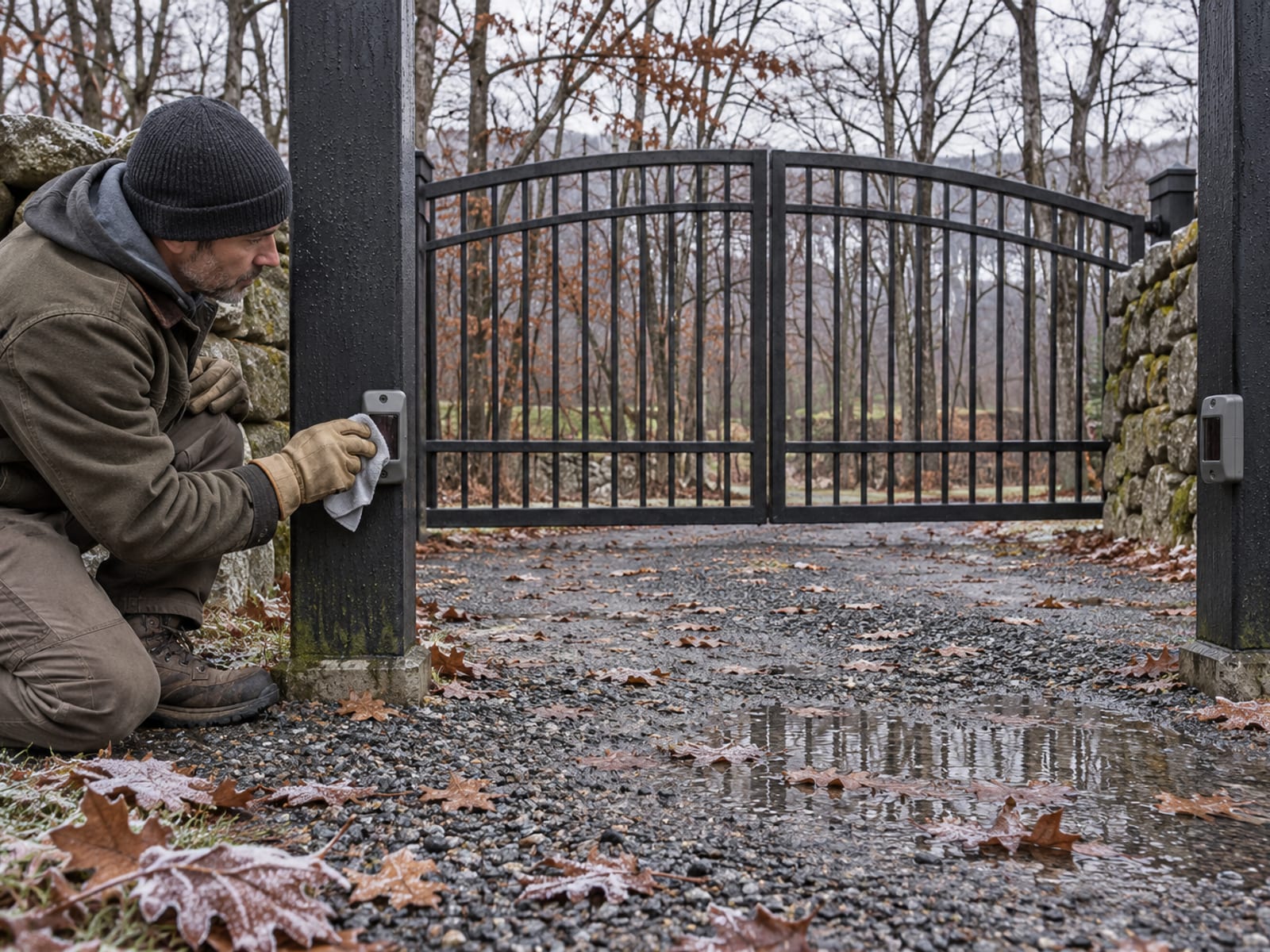
Start with the path. Clear people, vehicles, snow, ice and debris from the gate's travel, then look for binding, a damaged roller, a stiff hinge or anything the leaf scrapes. Wipe and realign the photo eyes, check that visible plugs and connections are seated, and cycle the power the way the manual directs. That covers most reversing and will-not-close complaints, and the broader checklist is in why your automatic gate stopped working.
The RSW12UL and RSL12UL troubleshooting tables give each code a meaning. Code 35, maximum run time exceeded, means check for an obstruction and, if the gate is mechanically clear, reprogram the limits. Code 42, no battery at startup, points to battery connections and battery condition. Codes 61 through 66 mean a monitored eye or edge has stayed active for more than three minutes, so clean and align the eyes and clear anything in the way. Code 46 is a low wireless-edge battery, and the fix is a replacement of the specified type.
Other codes belong to a technician. Code 31 is an internal control-board failure, and a power reset is the only basic check. Code 34 is an encoder error, 38 is a hard-stop limit problem, and 43 through 45 are loop faults where buried wiring needs diagnosis. Code 53 is a brownout or low supply, which is electrical work.
Codes 40 and 41, battery overvoltage or overcurrent, call for a look at connections only, and never mismatched batteries. Limit resetting beyond what the manual shows, force adjustment, board replacement, loop and encoder repair, and any work on entrapment-device wiring are all service calls. Fault behavior also varies by operator generation, so use the manual for your exact model.
Photo Eyes and Edges Stay On
UL 325 requires an inherent reversing system plus monitored external entrapment protection at the entrapment zones. LiftMaster's UL 325 safety page describes that protection as monitored photo eyes and monitored contact sensors such as safety edges. Our own write-up of UL 325 entrapment protection for residential gates shows what it means on a home driveway.
LiftMaster states that a slide-gate operator installed from August 1, 2018 needs at least two external monitored entrapment devices. The RSL12UL manual says one covers the close direction and one covers the open direction. The RSW12UL manual says a swing operator needs at least one external device, in the open or the close direction, with the entrapment zones setting what a given installation requires.
When a required sensor fails, loses its connection or stays blocked, the operator shows a code and stops automatic operation or stops the affected movement. That is the design working. The fix is cleaning, alignment, a fresh edge battery where one is fitted, or a technician who tests the device and its wiring. Jumpering or disabling an eye or edge to get the gate moving again puts a person back in the pinch point the device exists to protect.
Frequently Asked Questions
Is a LiftMaster operator the same as a Chamberlain one?
They are separate product brands from the same parent, the Chamberlain Group, which also runs the myQ app. Gate compatibility with myQ depends on the operator model and, on some older ones, an Internet Gateway such as the 828LM.
How do I program a new remote to my LiftMaster gate operator?
Press and release the LEARN button, choose a function if the manual asks, then press the remote button you want. A beep and the transmitter LED going out confirm it. The operator holds up to 50 Security+ 2.0 remotes or KPW250 keypads.
What do I do about a lost remote?
Hold the LEARN button until the learn LED goes out, about six seconds, to erase all remote and keypad codes. Then reprogram every device you still want to use. Do not clear the entrapment-device memory as part of this.
How long do the batteries last?
LiftMaster says to replace them about every three years, sooner where cold or heavy use wears them down. Three beeps on a command points to a low battery. Backup cycles run from 114 on one 7 Ah battery in an RSW12UL to 710 on one 33 Ah battery.
My gate reverses before it closes. What should I check?
Clear the path of snow, ice, vehicles and debris, then look for a binding hinge or damaged roller and clean and realign the photo eyes. If it keeps reversing, the force and limit settings and any sensor wiring are technician work.
Can I disconnect the photo eyes if they keep tripping?
No. UL 325 requires monitored entrapment protection, and the operator will not run normally without it. Clean and align the eyes, or have a technician test them and the wiring.
Check yourself
1. How long do you hold the LEARN button to erase all remotes and keypads?
2. What does LiftMaster say about gate operator battery replacement?
3. How many Security+ 2.0 remotes or KPW250 keypads can the RSW12UL store?
4. What is the right response to a photo eye fault code that keeps returning?
5. Which gate capacity matters besides weight when sizing an operator?
LiftMaster's own documents give you the sizing limits, the programming steps and the fault tables, and a few minutes at the gate clears most of the simple problems. When a code points to wiring, loops or an entrapment device, call for service and leave the safety inputs connected.
Portillo Fences and Gates handles gate repair on existing automatic gates of any brand, and its automatic gate installation page covers new openers. If your LiftMaster operator is throwing a code or you are sizing one for a new gate, reach us through the contact page or call (845) 282-3336. We serve Putnam, Westchester, Dutchess, Orange, Ulster and Rockland counties.